Hide photos. For real.
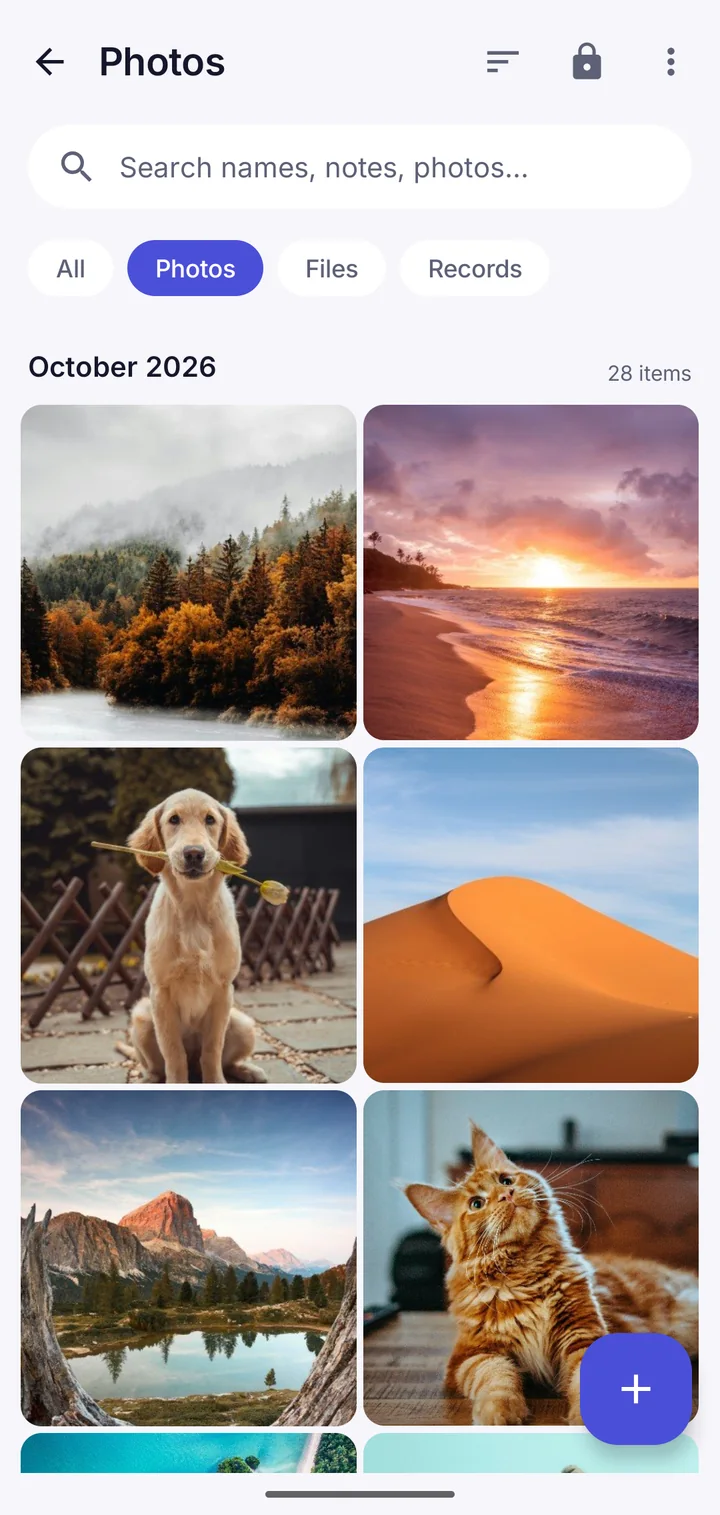
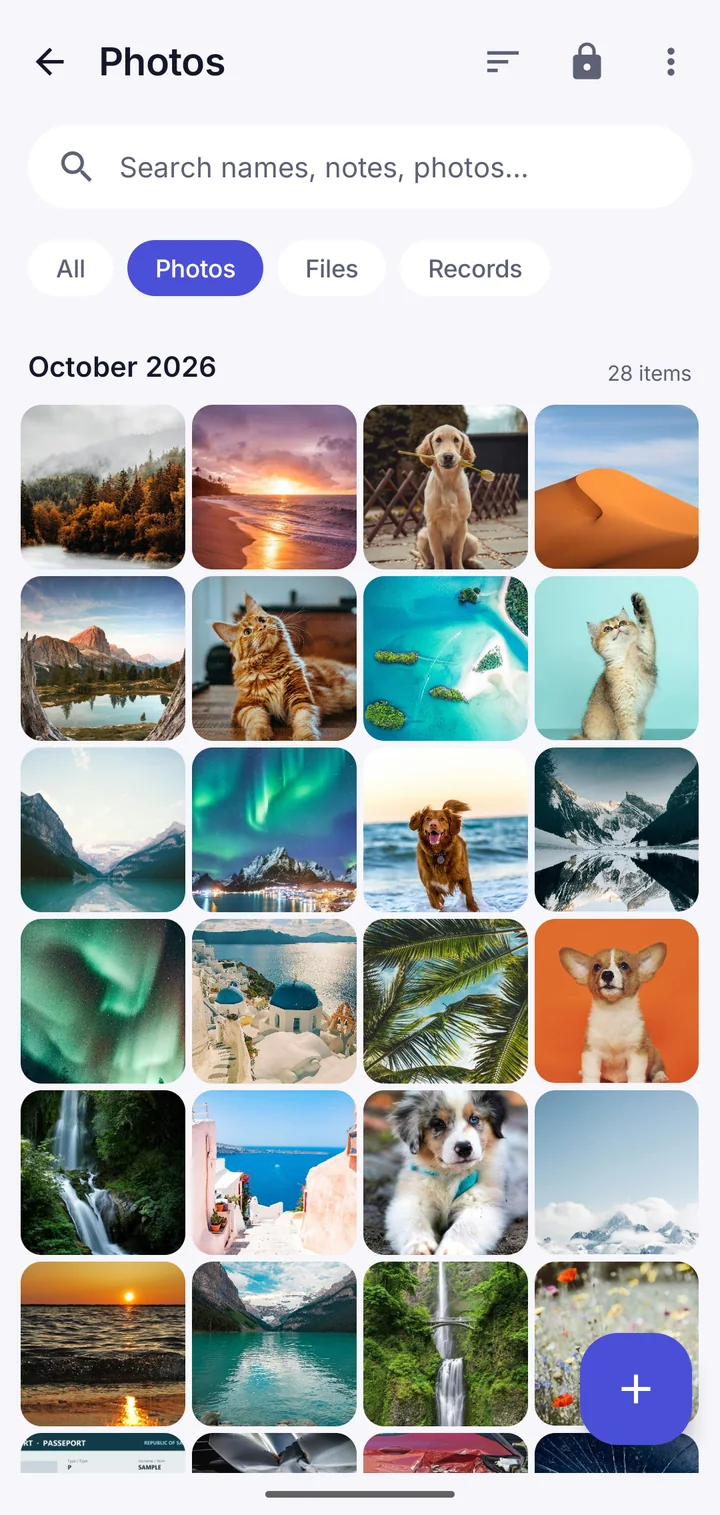
Move private photos and videos into an encrypted vault. Gone from your gallery, locked with a pattern only you know.
- Encrypted on your phone, even the file names
- Gone from your gallery once they're in
- A secure camera that never touches your gallery
- Slideshow, crop, trim, favourites and search
How it works
1. Move them in
Pick photos and videos. The app encrypts them and offers to delete the originals.
2. Lock it
Draw your pattern to open the vault. Leave the app and it locks.
3. Keep your words
Write down 9 recovery words. They're the way back in if you forget.
Questions
Where do hidden photos go?
Into the vault's encrypted storage on your phone. The gallery can't see them, and nothing is uploaded unless you turn on a backup.
Will they still be backed up by Google Photos?
Copies already backed up stay in Google Photos until you delete them there. Once a photo is only in the vault, it isn't sent anywhere unless you choose an encrypted backup.
Can I hide videos too?
Yes. Videos, voice recordings, documents and any other file.
Does deleting the app delete my photos?
Yes, so keep an encrypted backup (Google Drive, OneDrive, Dropbox or a file) and your recovery words.
Take back your privacy.
Free to download. No account. Your files never leave your phone unless you choose.