Moving from another vault app?
Bring everything across in minutes. The app guides you, step by step.
- Brings whole folders across, subfolders too
- Skips anything already in the vault
- Offers to delete the unprotected copies left behind
- Works with most vault and calculator-vault apps
Three steps
1. Unhide in your old app
Use its Unhide, Export or Restore option. Note the folder the files go to.
2. Move them in
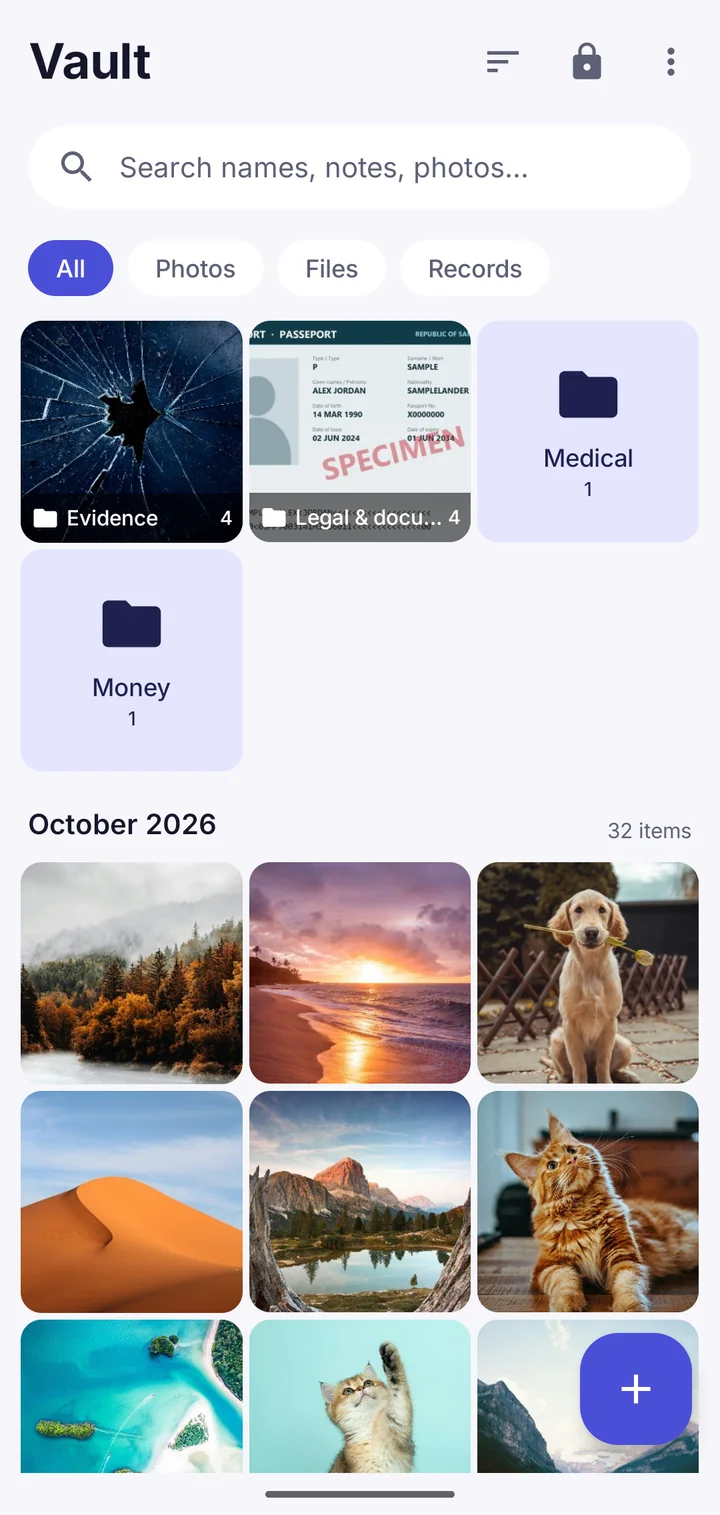
In Vault This, tap +, then "From another vault app", and pick that folder.
3. Clean up
Check everything's there, then let Vault This delete the unprotected copies.
Make the move.
Free to download. No account. Your files never leave your phone unless you choose.